Last updated: July 2026
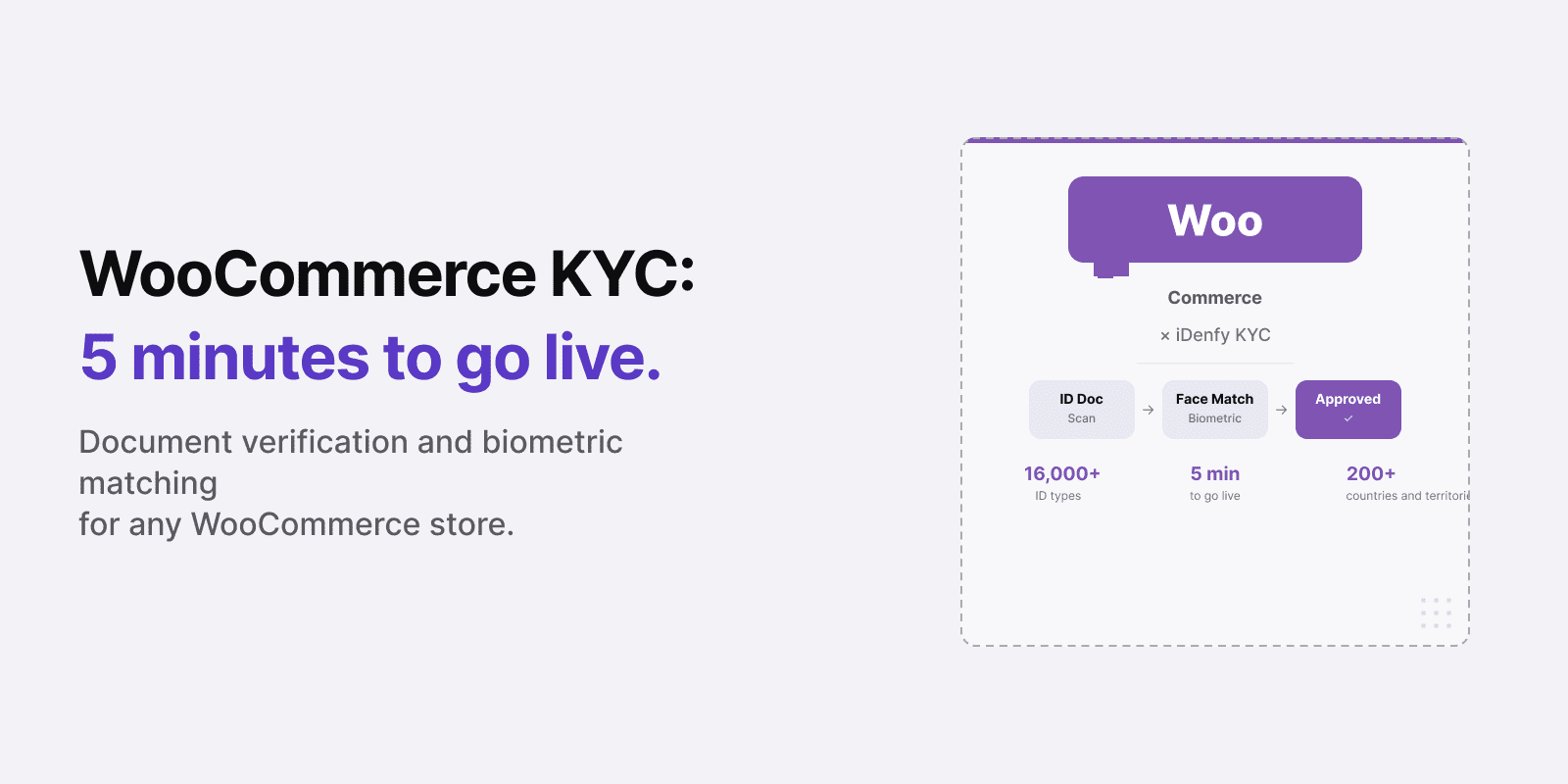
WooCommerce powers over 36% of all online stores — and its flexibility means you can build almost anything on top of it. Adding identity and age verification to your WooCommerce store with iDenfy takes five minutes and no custom code.
WooCommerce gives merchants complete control over their checkout experience, which also means the compliance burden sits entirely with the merchant. Shopify can enforce payment policies; WooCommerce cannot. If you sell age-restricted products, operate a membership platform, or run a marketplace where sellers need to be verified, identity verification is your responsibility to implement — and a self-declaration checkbox is not going to satisfy regulators.
Bottom line: iDenfy’s WooCommerce plugin integrates document verification, biometric face matching, and 3D liveness detection into your store in minutes. It supports 16,000+ document types from 200+ countries and territories, works at any checkout stage you configure, and bills only for verified, approved customers under its pay-per-approved model.
Who this is for — and what it’s not. For WooCommerce store owners selling age-restricted products, running membership communities, or operating marketplace platforms who need verifiable customer identity — not just an email address.
Not a WooCommerce general setup guide or a comparison of payment fraud tools. For a broader KYC comparison, see Best KYC Providers.
When WooCommerce Merchants Need Identity Verification
WooCommerce’s flexibility means it powers a wide range of store types — many of which carry compliance obligations that standard ecommerce platforms do not prepare merchants for:
- Age-restricted product stores. Alcohol, tobacco, vaping, cannabis (where legal), adult content, and certain supplement categories all require age verification that goes beyond a date-of-birth field. Regulatory expectations in the UK, EU, and US increasingly mandate document-based verification against an authoritative source.
- Membership and community platforms. Subscription communities, gated content platforms, and professional networks face identity-related fraud — account sharing, fake member creation, and payment fraud from stolen credentials. Verifying member identity at sign-up closes these vectors.
- Multi-vendor marketplaces. Platforms that allow third-party sellers to list products need to verify who those sellers are before they can transact. In the EU, DAC7 compliance requires platforms to collect and report verified seller identity and tax information.
- Financial or regulated services. WooCommerce stores offering financial products, legal services, or regulated professional services face full KYC obligations equivalent to those in banking.
Related: Identity Verification for E-Commerce: Full Overview
Automate your KYC process
iDenfy verifies customers from 200+ countries in seconds. AI-powered, compliant, and trusted by 1,000+ companies.
Explore KYC SolutionWhat iDenfy’s WooCommerce Plugin Verifies
The iDenfy WooCommerce integration embeds a full KYC flow into your store. The customer never leaves your site — the verification widget renders inline, and results are passed back to WooCommerce in real time.
Core verification capabilities:
- ID document verification. The customer photographs their document — passport, driver’s license, national ID card, or residence permit. iDenfy validates 16,000+ document templates from 200+ countries and territories, checking authenticity, expiry, and data extraction accuracy.
- 3D liveness detection. The customer completes a biometric check that confirms physical presence. iDenfy’s liveness system detects and rejects spoofing attempts using photos, videos, masks, and digital renderings.
- Biometric face matching. The customer’s live face is matched against the document photo to confirm the same person holds the ID they submitted.
- AML and sanctions screening (add-on). Via iDenfy’s AML screening, verified customers can be checked against PEP lists, global sanctions databases, and adverse media — relevant for financial services and regulated marketplace operators.
- Business verification (KYB) (add-on). For marketplace seller onboarding, iDenfy can verify the seller’s business entity alongside the individual UBO and director.
How to Install iDenfy on WooCommerce
The plugin installs in under five minutes via WordPress’s standard plugin upload mechanism:
- Download the iDenfy plugin zip file from iDenfy’s dashboard or the WordPress.org plugin directory.
- Upload and activate via WordPress Admin → Plugins → Add New → Upload Plugin.
- Add your iDenfy API key in the plugin settings panel under WooCommerce → Settings → iDenfy.
- Configure trigger conditions — select which product categories, checkout steps, or user roles require verification before proceeding.
- Set age thresholds for age-restricted product categories — iDenfy extracts date of birth from the document and enforces the gate automatically.
- Test in sandbox mode using iDenfy’s test credentials, then switch to production.

iDenfy handles all API version updates on the backend. There is no ongoing maintenance required on the WooCommerce side after initial setup.
Related: 5 Key Customer Onboarding Mistakes Costing Your Business Growth
Verification Workflow: What Your Customer Sees
The customer experience is designed to minimize friction while meeting regulatory requirements:
- At the configured trigger point (account creation, checkout, or product access), the customer is presented with the verification prompt.
- On mobile, the camera opens directly. On desktop, the customer uploads a photo of their document. iDenfy supports both capture methods.
- The document is analyzed automatically — typically within a few seconds. The customer is then prompted for a selfie.
- The 3D liveness check runs. The customer sees a result within an average of 30 seconds of starting the flow.
- Approved customers proceed to the next step. Declined customers see a localized error message. All sessions are logged in the iDenfy dashboard.
What You Get in the iDenfy Dashboard
Every verification session creates a timestamped record in your iDenfy compliance dashboard:
- Verification status (approved, denied, suspected, expired)
- Extracted document data (name, date of birth, document number, expiry)
- Liveness and face match result
- Session video (for manual review if needed)
- Risk signals flagged during processing
The dashboard is accessible from WordPress admin. For high-volume stores, records are exportable for external compliance reporting.
WooCommerce Age Verification at Checkout
WooCommerce age verification is the most common reason merchants add iDenfy to their store. The requirement: restrict checkout to customers who meet the minimum age for alcohol, tobacco, vaping products, adult content, or other regulated categories — without blocking the rest of the store.
iDenfy’s WooCommerce age verification at checkout works by tagging product categories that trigger the verification flow. When a customer adds a restricted product to their cart, the check fires before purchase. Customers who already verified on a previous visit aren’t asked again.
- Category-level triggers. Assign verification to specific product categories — “Alcohol”, “Vaping”, “Adult” — without affecting standard checkout for untagged products.
- Age threshold config. Set 18, 21, or a custom minimum per category. iDenfy extracts date of birth from the document and enforces the threshold automatically.
- Returning customer recognition. Verification status is stored on the WooCommerce user account — repeat customers pass through without re-verifying.
- Failed session handling. Customers below the age threshold are blocked from restricted checkout with a configurable message. Under pay-per-approved billing, failed age checks are not charged.
Pricing
iDenfy’s WooCommerce integration uses the platform’s standard pricing. Self-serve plans start at $1.35 per verification (Basic) or $1.30 (Premium), with monthly minimums of $135 and $325 respectively. Enterprise plans — with rates from $0.55 per approved user, a dedicated account manager, 99.9% SLA, and pay-per-approved billing — start at $625/month.
Under pay-per-approved billing, failed, rejected, and abandoned verification sessions are not billed. For stores with age-restricted products where a percentage of customers are underage and will fail the check, this model significantly reduces the effective cost per verified customer.
Use iDenfy’s savings calculator to estimate your cost per verified user. See the iDenfy pricing page for current rates across all tiers.
Related: KYC Pricing: Pay-As-You-Go and Self-Serve Plans Explained
Read More Articles
- Best KYC Providers: How to Evaluate Identity Verification Software
- Age Verification: Regulations, Methods, and Best Practices
- Digital Onboarding: How to Onboard Customers Without Friction
- KYC Pricing: Pay-As-You-Go and Self-Serve Plans Explained
Ready to add identity verification to your WooCommerce store? Install iDenfy’s WooCommerce plugin — or contact the team for a custom enterprise quote.