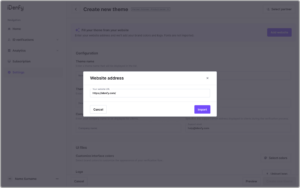
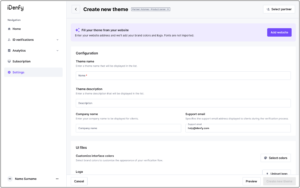
Partners can now speed up the theme setup process by importing branding elements directly from their website. When creating a new theme, partners can enter their website URL and import available branding information. The system automatically detects and pre-fills supported personalization values, such as brand colors and logo, when they can be identified from the website.
Partners can review and modify all imported values before saving the theme.
How it works
- Create a new theme and select Add website.
- Enter the website URL and click Import.
- The system scans the website and pre-fills available branding elements.
- Review and adjust the imported values if needed.
- Save the theme.
Fonts
Fonts are not imported from the website. Partners must provide their preferred font together with the required font files and licensing information.
Identity Verification
Automate your identity verification
See how iDenfy helps 1,000+ companies verify customers in seconds with AI-powered KYC.
Explore iDenfy