Last updated: July 2026
Bubble lets non-technical founders build production applications without writing code — but regulatory compliance does not bend to no-code constraints. Adding real KYC to a Bubble app takes minutes with iDenfy’s plugin, and verification completes in an average of 30 seconds per user.
Bubble has become the platform of choice for founders building regulated applications without an engineering team — fintech MVPs, marketplace prototypes, compliance-gated communities, and onboarding flows that need to ship fast. The tradeoff has always been that real identity verification required either a custom API integration (which defeats the point of Bubble) or a weak workaround that does not actually verify anything.
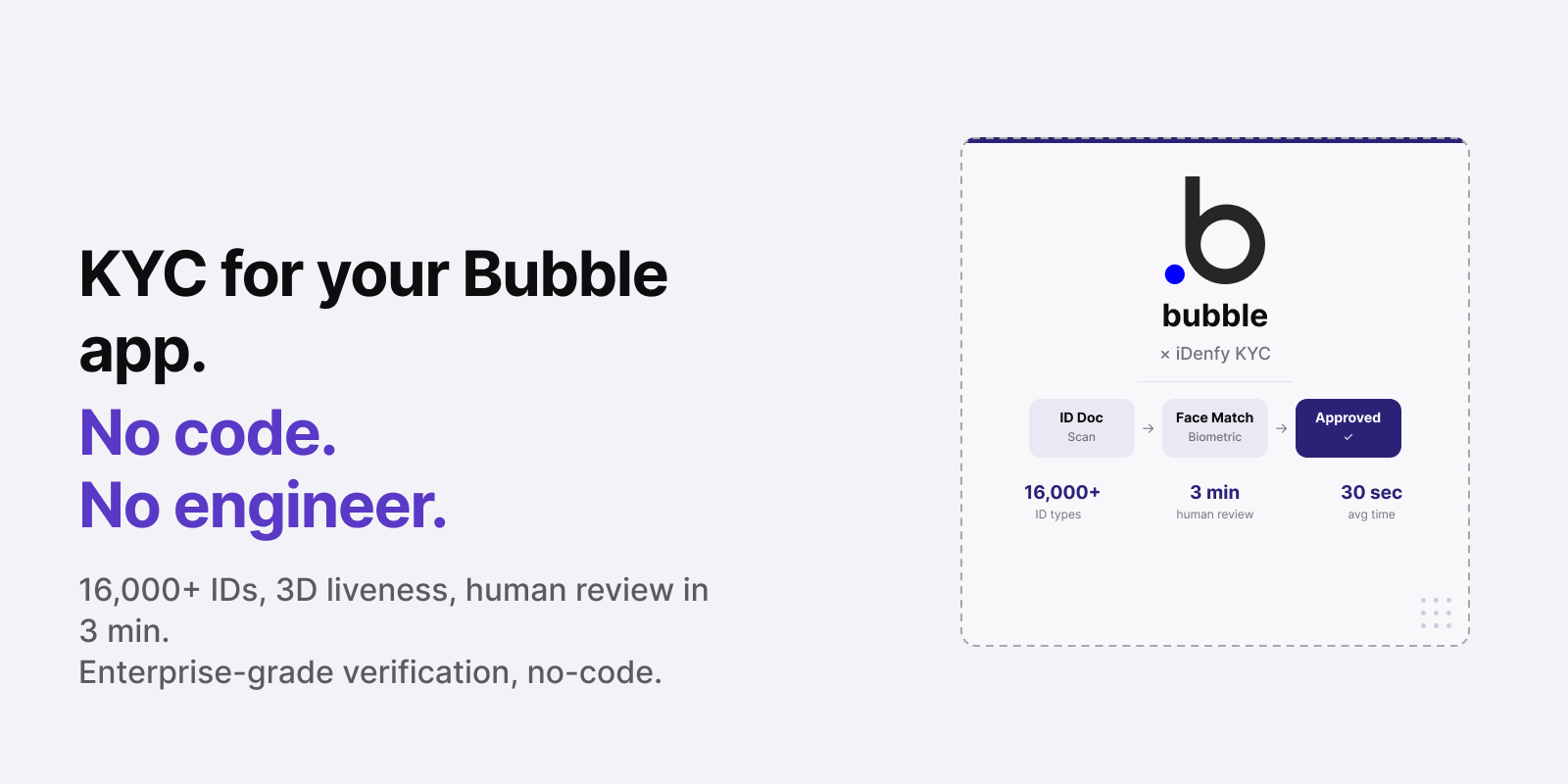
iDenfy’s Bubble plugin changes that. Document verification, biometric face matching, 3D liveness — embedded directly as a native Bubble plugin. No code. No backend. No compromise on what gets checked.
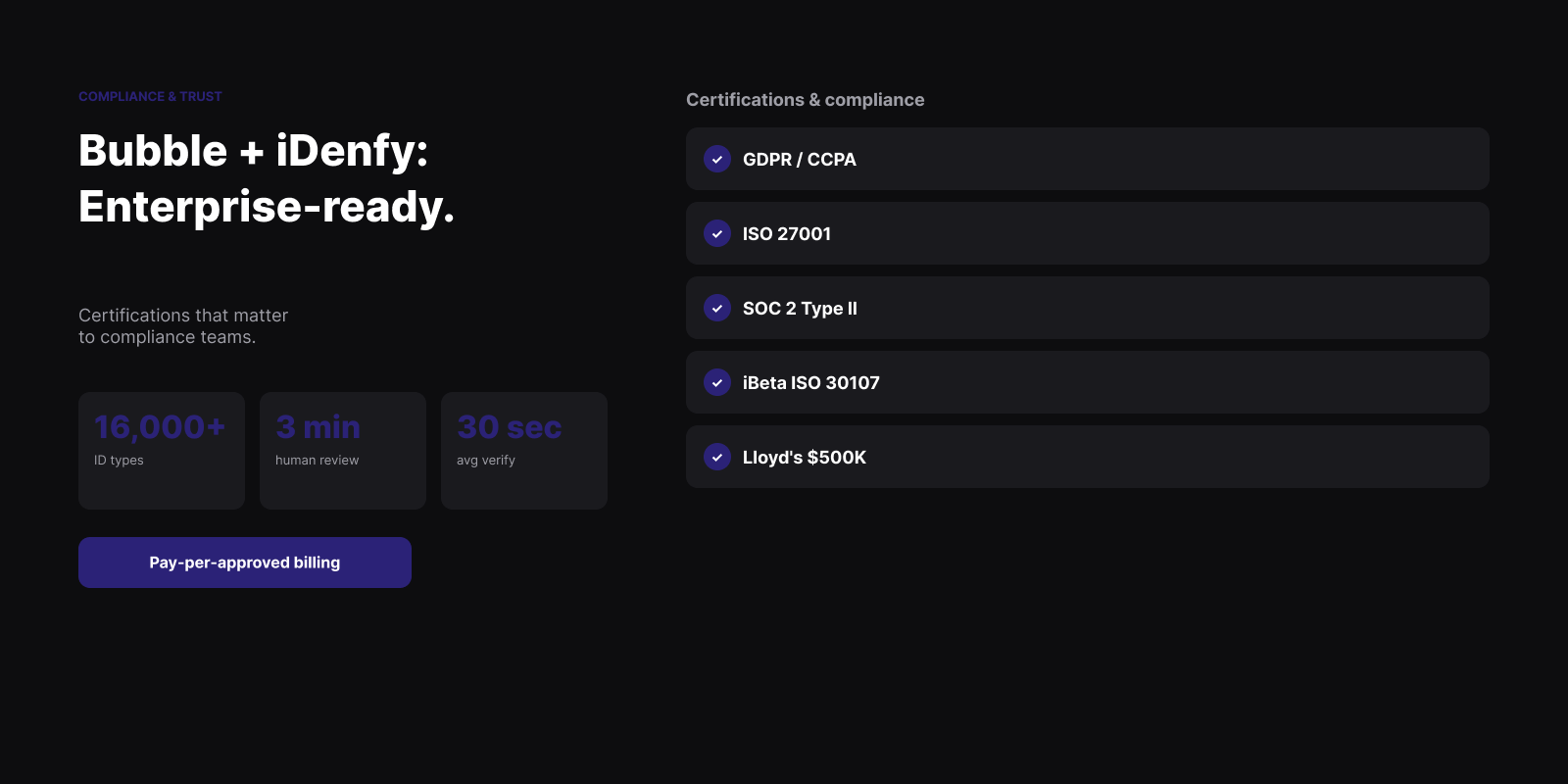
Bottom line: iDenfy’s Bubble KYC plugin adds real identity verification — document capture, biometric matching, liveness detection, and AML checks — to any Bubble application without coding. It supports 16,000+ government-issued document types across 200+ countries and territories, delivers data extraction in 0.02 seconds, and includes 24/7 human agent supervision for edge cases within 3 minutes.
Who this is for — and what it’s not. For Bubble developers, no-code founders, and product teams building regulated applications — fintech MVPs, marketplace onboarding flows, KYC-gated communities — who need real identity verification without a custom API integration.
Not a general Bubble app-building guide or a compliance law reference. For a full comparison of KYC providers, see Best KYC Providers.
Why Bubble Apps Need Real Identity Verification
Bubble is uniquely popular for regulated application categories — fintech, legal services, healthcare adjacent platforms, and marketplace onboarding — precisely because it makes complex workflows buildable without engineering resources. But the regulatory requirements those categories carry do not relax for no-code stacks.
- Fintech MVPs and lending platforms. Applications collecting payments, extending credit, or facilitating money transfers face KYC obligations under AML and CTF frameworks no matter what platform you’re building on. A Bubble fintech app must verify user identity before onboarding just as a traditionally-coded application must.
- Marketplace onboarding. Two-sided marketplaces built on Bubble that onboard sellers, service providers, or gig workers need to confirm who those users are — for fraud prevention, platform integrity, and, in the EU, DAC7 seller reporting obligations.
- Age-gated communities and content platforms. Adult content, alcohol, cannabis, and other age-restricted categories require document-based age verification — not a self-declaration checkbox — in most regulated markets.
- KYC-gated professional communities. Platforms restricting access to verified professionals — licensed advisors, accredited investors, certified practitioners — need to verify credentials and identity before granting access.
- Regulated services delivered via Bubble. Legal, financial, and healthcare service flows built on Bubble carry the same identity verification obligations as any other channel. Bubble doesn’t change your regulatory obligations.
Related: Digital Onboarding: How to Onboard Customers Without Friction
Automate your KYC process
iDenfy verifies customers from 200+ countries in seconds. AI-powered, compliant, and trusted by 1,000+ companies.
Explore KYC SolutionWhat iDenfy’s Bubble Plugin Verifies
The iDenfy Bubble KYC plugin installs from the Bubble plugin marketplace and adds a full KYC verification flow to any point in your Bubble application’s user journey. The verification widget renders inside your Bubble app — users do not leave the application.
Core verification capabilities:
- Document verification with MRZ reading. The user photographs their ID — passport, national ID card, driver’s license, or residence permit. iDenfy reads the Machine Readable Zone (MRZ) on travel documents, validates document authenticity against 16,000+ templates from 200+ countries and territories, and extracts all data fields automatically. Data extraction completes in 0.02 seconds.
- Biometric face matching. The user’s selfie is compared against the document photo — confirming the person presenting the document is the same person who holds it.
- 3D liveness detection. iDenfy’s liveness system rejects static photos, printed images, video replays, and 3D masks. Only a live person in front of the camera passes the check.
- OCR data extraction. All text fields from the identity document are extracted and returned in structured format — name, date of birth, document number, expiry date, nationality, address where present — and can be stored against the Bubble user record.
- Proof of address verification. Residential address can be validated against official records as an add-on, relevant for financial services platforms requiring address confirmation.
- Blocklist management. Known fraudulent documents, flagged selfies, and blocked contact details are automatically screened — preventing re-registration with previously rejected credentials.
- Custom questionnaire. Additional questions can be added to the verification flow — useful for collecting regulatory declarations, terms acceptance, or professional credential self-attestation alongside document verification.
Human Supervision: What Happens on Edge Cases
Automated identity verification handles the majority of sessions successfully. But edge cases occur — documents with unusual wear, poor lighting conditions, rare document formats, or borderline liveness results. For these sessions, iDenfy provides 24/7 human agent review, typically completing within 3 minutes.
The Bubble plugin routes edge cases to human review automatically — the user sees a “review in progress” state, and the result is delivered without manual action from your team. It’s the same human-in-the-loop model that iDenfy’s enterprise customers in regulated financial services.
For Bubble applications where approval latency matters, the human review SLA can be configured as part of the plugin settings.
Related: How to Evaluate KYC Providers: What to Look for Beyond Accuracy
How to Add iDenfy to Your Bubble App
- Install the plugin from the Bubble plugin marketplace — search “iDenfy” and click Install. No external download required.
- Add your iDenfy API credentials in Bubble’s plugin settings panel — your API key and secret from the iDenfy dashboard.
- Add the iDenfy verification element to any page in your Bubble editor — it renders as a configurable UI element that can be triggered by a button, workflow event, or conditional.
- Configure verification requirements — select which verification components are required (document only, document plus face match, full liveness), set any age threshold for age-gated flows, and configure what happens on approval vs rejection.
- Map returned data fields to your Bubble database — extracted name, date of birth, document number, and verification status can be stored directly on the user record.
- Test in sandbox mode with iDenfy’s test credentials, then activate production.
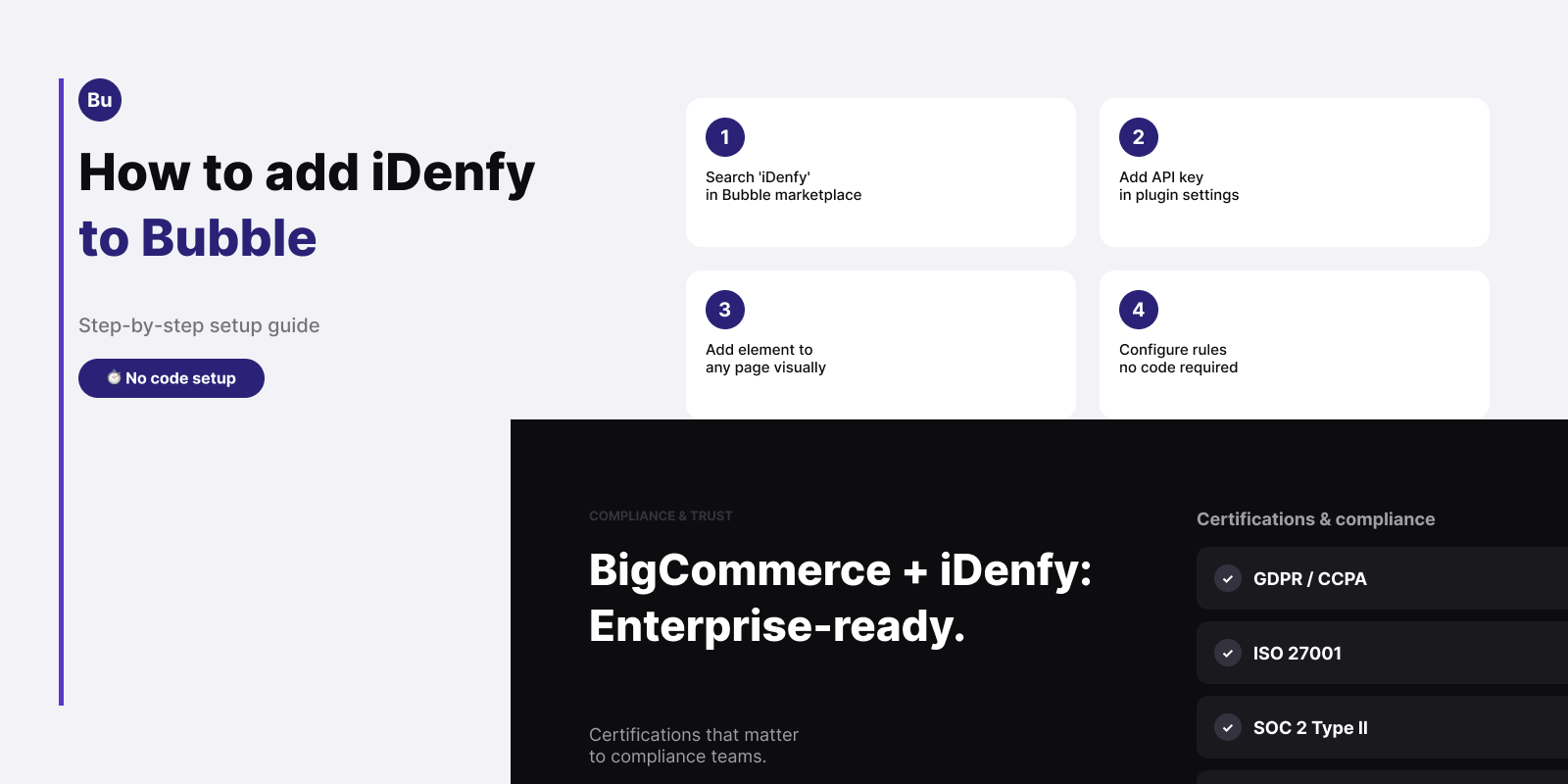
The full integration requires no coding — all configuration is done through Bubble’s visual editor and plugin settings panel.
Pricing
iDenfy offers two billing models for Bubble integrations, matching the broader pricing structure:
- Pay-per-approved: You are charged only when a user is successfully verified and approved. Rejected, abandoned, and fraudulent sessions are not billed. This is the model that protects your budget when fraud attempt rates are high or when a percentage of users are expected to fail the age gate.
- Pay-per-attempted: You are charged for every verification session regardless of outcome — the standard industry model. Suitable for high-approval-rate flows where predictable per-session pricing is preferred.
Self-serve plans start at $1.35 per verification (Basic) with a $135/month minimum. Pay-per-approved billing and lower rates are available on enterprise plans from $0.55 per approved user. Use iDenfy’s savings calculator to estimate your cost per verified user. See the iDenfy pricing page for current rates.
Related: Pay-Per-Approved KYC Pricing: Stop Paying for Fraud Attempts
| Capability | Bubble Native | iDenfy Bubble Plugin |
|---|---|---|
| Document-based identity verification | Not available | Yes — 16,000+ types, 200+ countries and territories |
| Biometric face matching | Not available | Yes |
| 3D liveness detection | Not available | Yes |
| Human agent review on edge cases | Not available | 24/7, within 3 minutes |
| OCR data extraction to Bubble DB | Not available | Yes — all document fields |
| AML / sanctions screening | Not available | Add-on available |
| Pay-per-approved billing | — | Available |
| Setup without coding | — | Yes — native Bubble plugin |
Read More Articles
- Best KYC Providers: How to Evaluate Identity Verification Software
- Digital Onboarding: How to Onboard Customers Without Friction
- Pay-Per-Approved KYC Pricing: Stop Paying for Fraud Attempts
- KYC Pricing: Pay-As-You-Go and Self-Serve Plans Explained
Ready to add real KYC to your Bubble app? Install iDenfy’s Bubble KYC plugin — or contact the team for enterprise pricing on high-volume applications.