Last updated: July 2026
Adobe Commerce (Magento) powers some of the largest ecommerce operations in the world — which also means it powers some of the highest-value fraud targets. This guide covers how to add KYC identity verification to your Adobe Commerce store with iDenfy’s extension, without disrupting your existing checkout flow.
Enterprise ecommerce stores face a compliance challenge that mid-market platforms do not have to solve at the same scale. A Magento store selling luxury goods across 30 countries needs to verify customer identity, enforce age restrictions in multiple jurisdictions, and maintain a defensible audit trail — all while keeping conversion rates from collapsing. The identity verification extension has to be invisible when it should be, and airtight when it has to be.
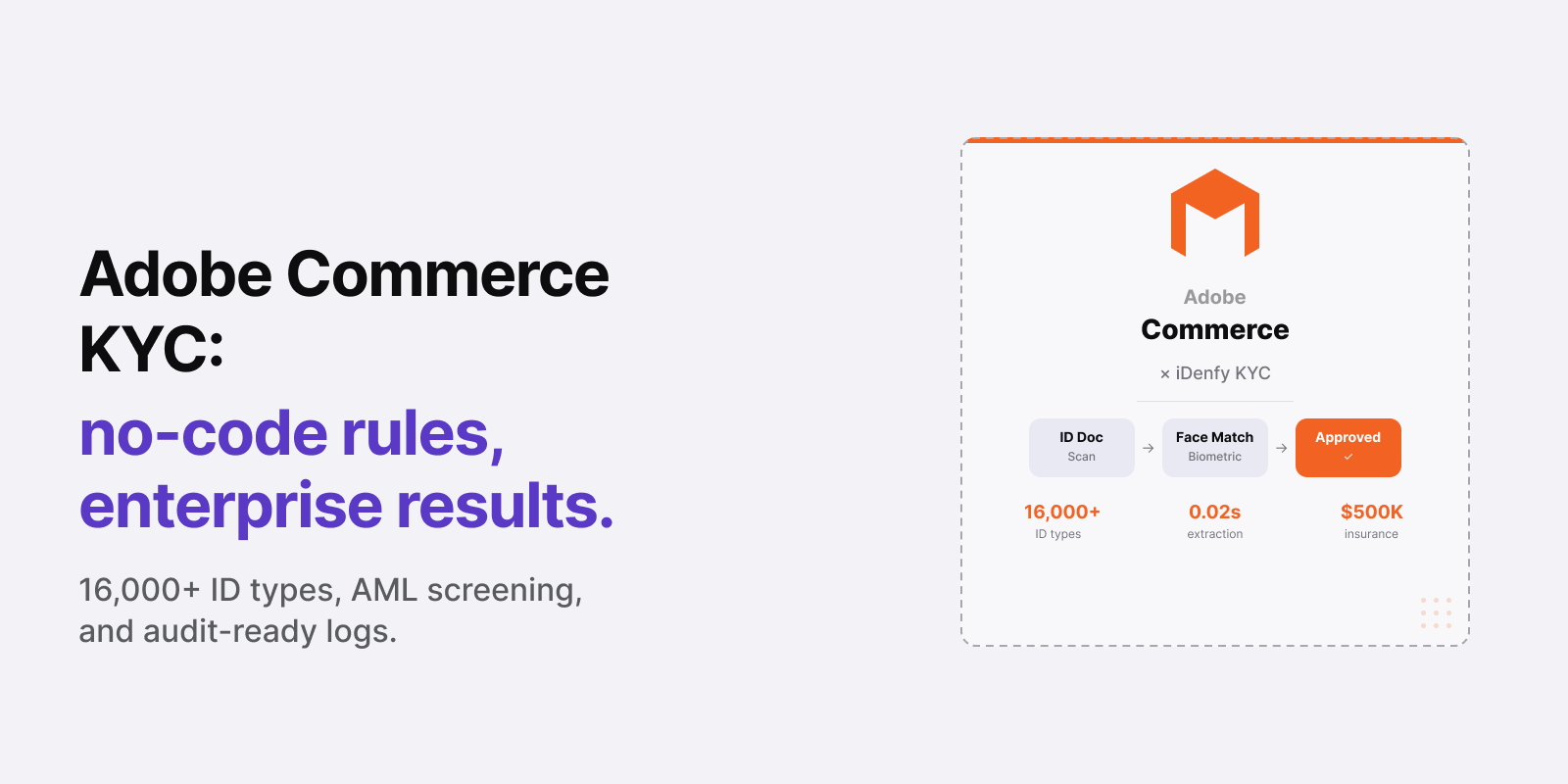
Bottom line: iDenfy’s Adobe Commerce (Magento) extension adds configurable KYC verification — document capture, biometric face matching, real-time risk scoring, and AML screening — to any point in your Magento checkout or account flow. It supports 16,000+ ID types from 200+ countries and territories, completes in an average of 30 seconds, and integrates with your existing Magento customer profiles without custom development.
Who this is for — and what it’s not. For Magento and Adobe Commerce merchants, store administrators, and compliance teams in regulated retail, luxury, B2B ecommerce, or marketplace environments who need verifiable customer identity at checkout or onboarding.
Not a Magento development guide or a payment gateway comparison. For a broader overview of KYC vendors, see Best KYC Providers.
Why Adobe Commerce Merchants Need Identity Verification
Magento’s enterprise positioning means its stores typically handle higher average order values, more complex product catalogs, and more demanding regulatory environments than Shopify or WooCommerce stores. Identity verification needs appear across several common Adobe Commerce use cases:
- Luxury and high-value goods. Watches, jewelry, designer fashion, and collectibles attract synthetic identity fraud and account takeover at a disproportionately high rate. The gap between the item value and the verification investment is so large that even occasional fraud events are operationally damaging.
- Age-restricted categories. Alcohol, tobacco, vaping, and adult categories sold through Magento stores face the same regulatory requirements as any other channel — and jurisdiction-specific age verification laws do not distinguish between platforms.
- B2B buyer verification. Enterprise and wholesale catalogs on Adobe Commerce frequently require knowing who the buyer actually is — not just the company they represent. Document verification at B2B account creation is increasingly standard for regulated suppliers.
- MiCA-compliant crypto or digital asset sales. Merchants accepting crypto payments or selling tokenized products in the EU must meet MiCA verification requirements, which include identity checks equivalent to financial KYC.
- DAC7 marketplace compliance. Adobe Commerce-powered marketplaces with third-party sellers in the EU must collect and report verified seller identity and tax data under the DAC7 directive. iDenfy’s seller-side verification automates this collection.
Related: KYC & AML Compliance: A Practical Guide
Automate your KYC process
iDenfy verifies customers from 200+ countries in seconds. AI-powered, compliant, and trusted by 1,000+ companies.
Explore KYC SolutionWhat iDenfy’s Magento Extension Does
The iDenfy Adobe Commerce extension embeds KYC verification into your Magento store through a no-code rule configuration interface. You define the trigger conditions; iDenfy handles the verification flow, results, and compliance records.
Core verification capabilities:
- Document verification. Customers photograph their ID — passport, national ID card, driver’s license, or residence permit. iDenfy validates authenticity against 16,000+ templates from 200+ countries and territories, extracting and validating all document data fields.
- Biometric face matching with 3D liveness. The customer’s live selfie is matched against the document photo. 3D liveness detection rejects static photos, videos, and masks — not just a 2D comparison.
- Real-time risk scoring. Instant fraud signals are generated alongside the identity result — flagging unusual patterns, document anomalies, or geographic risk indicators that warrant additional review.
- Optional re-verification. For returning customers, a face authentication step provides quick re-verification without a full document re-submission.
- AML screening (add-on). Run verified customer identities against PEP registers, sanctions lists, and adverse media databases via iDenfy’s AML screening.
- Audit-ready compliance logs. Every session generates a full compliance record stored in your Adobe Commerce customer profile — session status, document data, face match result, risk signals, and timestamps.
How to Integrate iDenfy with Adobe Commerce
The extension installs through Adobe Commerce’s standard extension manager. No custom API development is required for standard deployments.
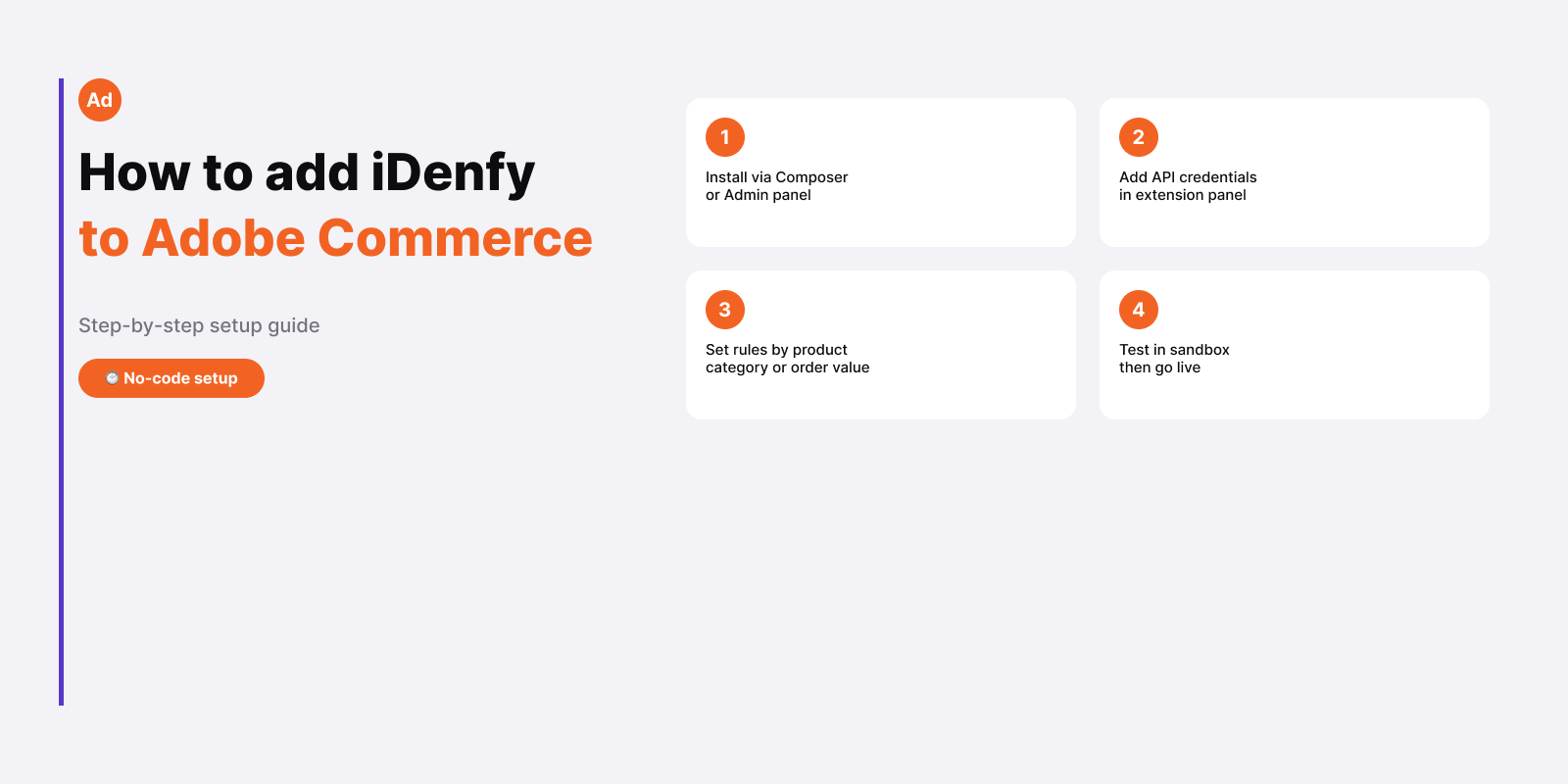
- Install the extension via Composer or upload through the Adobe Commerce admin panel under System → Web Setup Wizard.
- Add your iDenfy API credentials in the extension configuration panel.
- Configure rules without coding. iDenfy’s no-code rule builder lets you define trigger conditions — product category, customer group, order value threshold, country of origin — that determine when verification is required.
- Set age thresholds per product category. Date of birth is extracted from the document automatically; the age gate enforces the minimum without manual review.
- Connect AML screening if required for your product category or jurisdiction.
- Test in sandbox mode and switch to production when ready.
For enterprise deployments with custom checkout flows or headless implementations, iDenfy’s REST API is available for full programmatic control.
Related: Digital Onboarding: How to Onboard Customers Without Friction
Verification in the Adobe Commerce Checkout Flow
iDenfy’s extension is designed to integrate with Magento’s checkout without breaking the customer journey. Trigger placement options:
- Pre-checkout: Verification is required before the customer can add restricted items to the cart, keeping the checkout flow clean for compliant customers.
- At checkout: Verification triggers during checkout for specific product categories or order value thresholds. The verification widget renders inline within the checkout page.
- Post-purchase: For cases where verification can follow the order (for example, a collect-in-store model), the flow triggers after payment and before order release.
- Account creation: Verification runs at registration, gating all subsequent purchases for verified customers only.
Approved customers see no interruption on subsequent visits — the face authentication re-verification step completes in seconds without a full document re-submission.
| Capability | Adobe Commerce Native | iDenfy Extension |
|---|---|---|
| Document-based age verification | Not available | Yes — extracts DOB from ID |
| Biometric face matching | Not available | Yes — 3D liveness + face match |
| AML / sanctions screening | Not available | Add-on available |
| Real-time risk scoring | Not available | Yes — instant fraud signals |
| Compliance audit trail | Not available | Full per-session log in admin |
| International document support | Not available | 16,000+ types, 200+ countries and territories |
| No-code rule configuration | No | Yes |
Magento Age Verification
Magento 2 age verification is a consistent requirement for Adobe Commerce merchants selling alcohol, tobacco, vaping, cannabis accessories, or adult content across multiple regions. The challenge: age requirements differ by jurisdiction — 18 in the UK and most of the EU, 21 in the US — and a single Magento store serving multiple markets needs to handle each correctly.
iDenfy’s Magento age verification extension handles this through the same no-code rule builder used for identity verification. Rules can be configured per product category, per customer group, or per country of origin — so a UK storefront enforces a different age threshold than a US storefront, from the same Adobe Commerce admin. The Magento 2 age verification extension supports both Magento Open Source and Adobe Commerce cloud.
Age is extracted from the customer’s government-issued ID in 0.02 seconds — not from a self-declaration form that any customer can fill with a false date. For headless Adobe Commerce implementations, the same age-verification rules apply via the REST API.
Pricing
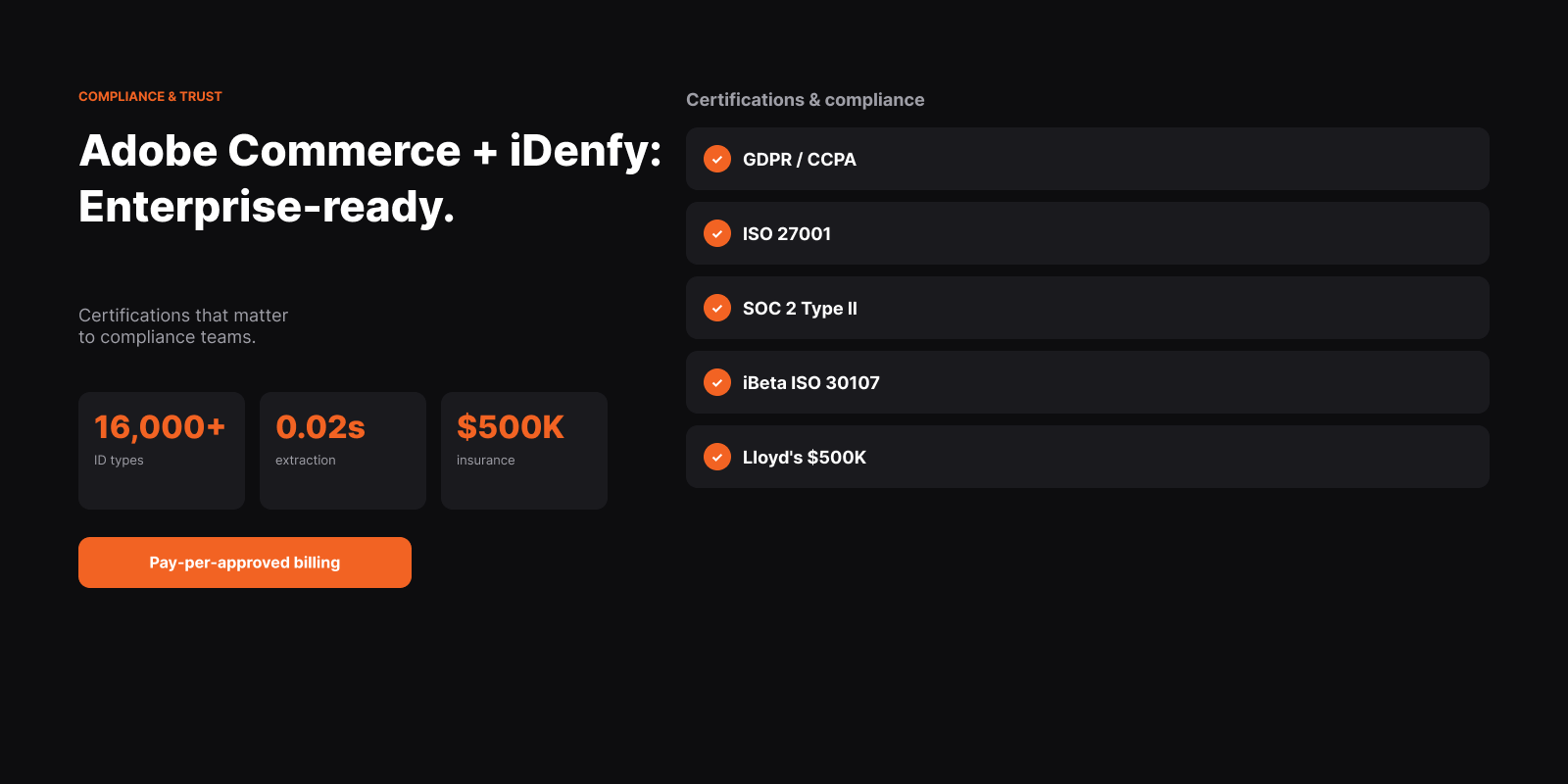
iDenfy’s Magento extension uses the same pricing structure as the rest of the platform. For most enterprise Adobe Commerce deployments, the relevant tier is Enterprise — starting from $0.55 per approved user with pay-per-approved billing, a dedicated account manager, 99.9% SLA, and up to $500K cyber insurance through Lloyd’s of London.
Pay-per-approved billing is particularly valuable for high-value retail: verification sessions that are rejected due to fraudulent documents or failed liveness checks are not billed. You pay only for confirmed, approved customers.
For custom pricing based on verification volume and selected add-ons, contact the iDenfy team. See the pricing page for full tier details.
Read More Articles
Need identity verification for your Adobe Commerce store? Explore iDenfy’s Magento extension — or contact the team for a custom enterprise deployment.